
Intro
Choosing technology and everyday gear for children can feel surprisingly high-stakes. Families are trying to support learning, safety, sleep, movement, independence, and social connection while also protecting a child’s attention, privacy, posture, and emotional wellbeing.
A balanced approach is usually more helpful than an all-or-nothing rule. The goal is not to make every product “perfect,” but to match tools to the child’s developmental stage, temperament, medical needs, family routines, and school requirements.
Highlights
The best child gear is developmentally appropriate, safety-tested, durable, and easy for caregivers to use consistently.
Screen time is healthiest when it is planned, co-viewed when possible, and kept from replacing sleep, physical activity, face-to-face interaction, and play.
Technology rules work better when they are specific, predictable, and modeled by adults rather than negotiated during conflict.
Children with neurodevelopmental, sleep, visual, hearing, or musculoskeletal concerns may need individualized guidance from qualified clinicians.
Start with the child, not the product
The most useful gear for children begins with a simple clinical principle: fit the intervention to the child’s developmental abilities, environment, and risk profile. A tablet, smartwatch, backpack, bike helmet, or study lamp is not inherently good or bad. Its value depends on whether it helps a child function more safely and comfortably without displacing essential activities such as sleep, movement, imaginative play, school engagement, nutrition, and relationships.
For infants and toddlers, the priority is usually safety, caregiver interaction, gross motor exploration, and predictable routines. A product that keeps a young child sedentary for long periods, even if marketed as educational, may not support optimal development. For preschool and early school-age children, gear should encourage autonomy without creating unrealistic expectations. For preteens, products often need to balance privacy, peer connection, organization, and digital safety.
Before buying, ask three questions: What problem is this product solving? Can the child use it safely and consistently? What might it unintentionally replace? A homework app that improves planning may be useful; the same device in a bedroom at midnight may worsen sleep latency and reduce total sleep time. A smartwatch may reassure a caregiver, but constant tracking can create anxiety or conflict if expectations are unclear.
Children with developmental delay, autism spectrum traits, attention-deficit/hyperactivity symptoms, motor coordination difficulties, epilepsy, migraine, visual impairment, hearing differences, or sleep disorders may need more individualized decisions. This does not mean technology should be avoided. It means families may benefit from professional assessment of device-related difficulties, especially if devices are linked with meltdowns, insomnia, school refusal, compulsive checking, or functional decline.
Managing screens with evidence-informed boundaries
Major child health organizations emphasize that media should not replace sleep, physical activity, responsive caregiving, or unstructured play. For children under 5, guidance is especially cautious because early childhood is a period of rapid neurodevelopment, sensory-motor learning, language acquisition, and attachment formation. For very young children, passive screen-based sedentary time should be limited, and higher-quality, co-viewed content is preferable to fast-paced or advertising-heavy media.
For ages 2 to 5, many pediatric recommendations focus on about one hour per day of high-quality programming, ideally watched with a caregiver who helps the child understand and apply what they see. For older children, a single universal number is less useful than a structured plan. Families can build a family media plan that defines when screens are allowed, where devices are used, what content is acceptable, and what happens when rules are not followed.
Healthy boundaries are easiest when they are concrete. Consider these rules:
- Keep screens out of bedrooms overnight to protect melatonin-sensitive sleep timing, reduce late-night stimulation, and lower unsupervised use.
- Create a device charging station outside bedrooms so the rule is environmental, not just verbal.
- Choose age-appropriate content and preview games, videos, apps, and chat features before independent use.
- Use co-viewing for younger children and active discussion for older children: ask what they watched, how it made them feel, and whether anything seemed confusing or unsafe.
- Avoid using screens as the only calming tool; children also need practice with breathing, movement, sensory strategies, verbal problem-solving, and caregiver support.
Some screen conflict is not a sign of failure. Digital products are designed to be engaging. Children’s executive functions, including inhibition, time awareness, and emotional regulation, mature gradually. Supportive consistency usually works better than shame or sudden punishment.
Best tech gear for safer, calmer daily routines
Good children’s tech gear should reduce friction rather than create dependency. For many families, the most helpful items are not the newest devices but the ones that make boundaries easier to maintain.
A shared family tablet can be preferable to giving every young child an individual device. It is easier to supervise, update, and store. Strong parental controls, child online privacy settings, limited app permissions, and disabled in-app purchases are essential. A protective case and screen protector are practical for younger users, but they do not replace supervision.
Headphones should be chosen carefully. Children’s volume-limited headphones may reduce the risk of excessive sound exposure, but caregivers should still check actual volume and duration. Noise-canceling headphones can help some children in overwhelming environments, yet they may be unsafe near traffic or during activities that require auditory awareness. If a child has sound sensitivity, recurrent ear infections, tinnitus, or hearing concerns, an audiologist or pediatric clinician can guide safer use.
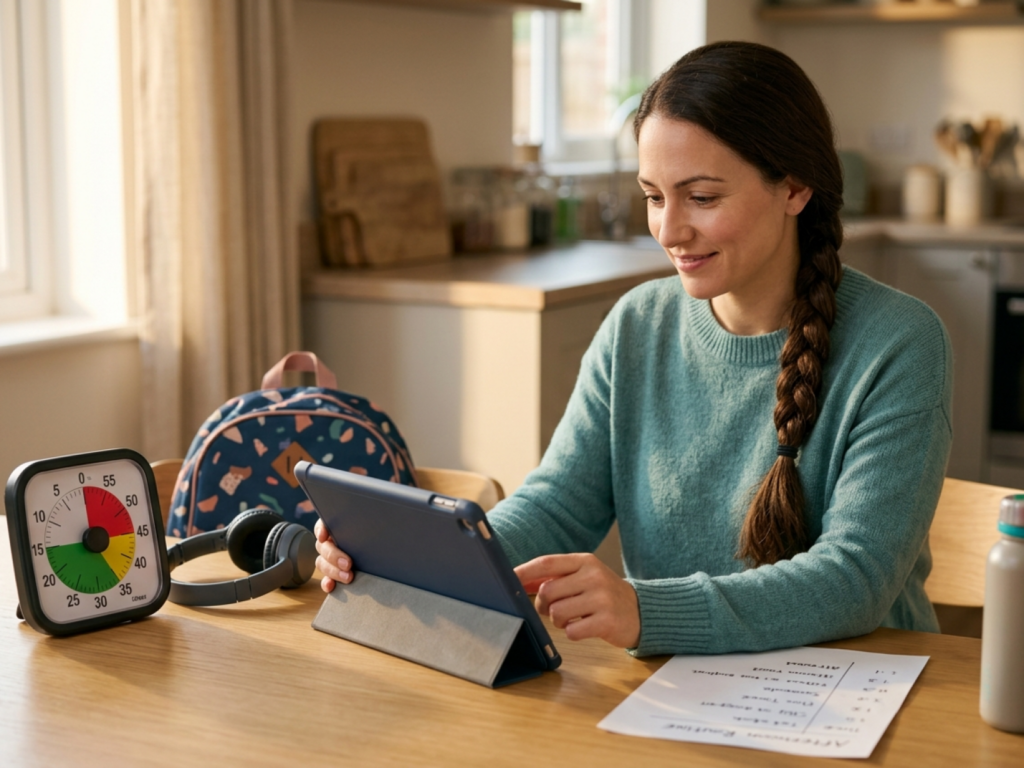
For school-age children, a simple timer, visual schedule, or focus app can support transitions. These tools are particularly helpful when they externalize executive function: the child does not have to “feel” time passing to know that a transition is coming. Smart speakers can be useful for alarms and routines, but microphones, data retention, and purchasing settings deserve attention.
Smartwatches and child phones should be introduced with clear purpose. If the goal is transportation safety, choose limited calling, location sharing, and emergency contact features rather than unrestricted internet access. If the goal is social connection, teach messaging etiquette, privacy, cyberbullying response, and the permanence of digital communication before problems occur. The best tech product is often the one with fewer features but better fit.
Non-digital gear that matters just as much
Technology management is easier when a child’s non-digital needs are well supported. Sleep, movement, nutrition, school organization, outdoor play, and sensory regulation are not separate from device use; they are protective foundations.
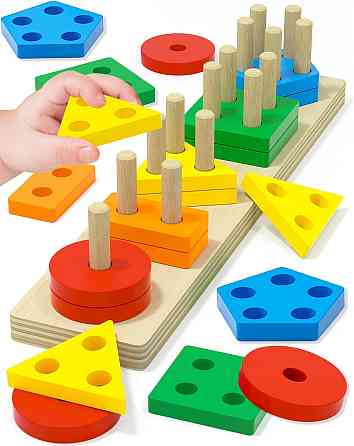
For younger children, safety-critical equipment comes first. A properly sized car seat, correctly installed and used on every ride, is more important than any learning gadget. Helmets for cycling, scooters, skating, and similar activities should fit snugly and meet current safety standards. For toddlers and preschoolers, stable step stools, safe utensils, open-ended toddler play products, and gross motor toys often provide more developmental benefit than electronic toys with limited interaction.
School gear should be ergonomic and simple. A backpack should fit the child’s torso, have two usable straps, and avoid excessive load. A small folder system, labeled supplies, and a consistent landing zone for homework can reduce morning stress. For children who struggle with handwriting, fatigue, or posture, an occupational therapist may recommend adaptive grips, slant boards, seating supports, or assistive technology after assessment.
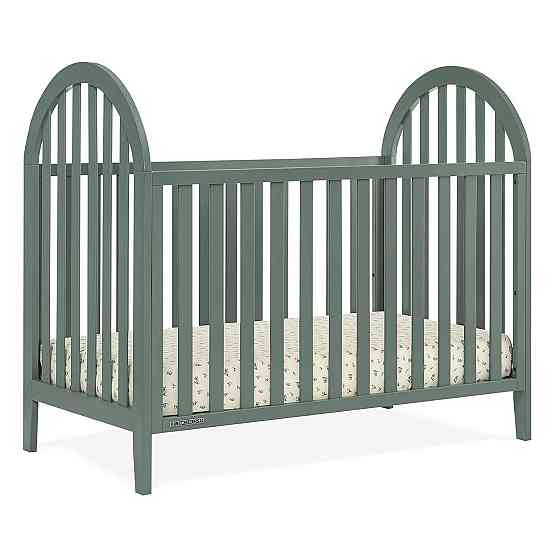
Sleep gear deserves special attention. A dark, quiet sleep space, comfortable bedding, and a predictable wind-down routine can be more powerful than any app. If a child uses a night-light, choose a dim, warm-toned option rather than bright blue-white light. Alarm clocks that do not require a phone in the bedroom can support independence while preserving screens out of bedrooms overnight.
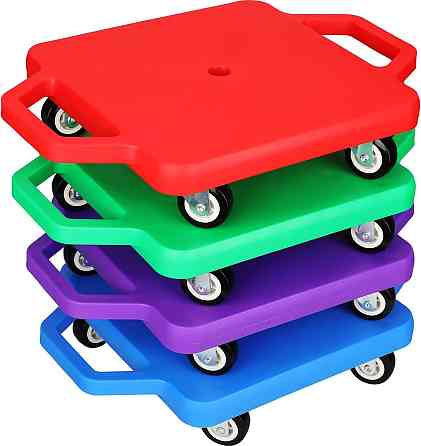
Outdoor and movement gear should be inviting and accessible. Balls, jump ropes, sidewalk chalk, scooters, climbing-safe playground shoes, weather-appropriate clothing, and sun protection make active play more likely. Physical activity supports cardiometabolic health, bone loading, motor planning, mood regulation, and sleep pressure. Gear is doing its job when it makes healthy behavior easier to repeat.
Matching gear to age and developmental stage
Infants and toddlers benefit most from responsive caregiving, floor time, safe exploration, books, music, and simple cause-and-effect toys. Screens are rarely necessary for this age group and should not crowd out language-rich interaction. Useful gear includes board books, safe sleep items that follow current guidance, feeding equipment appropriate to developmental readiness, locked medication storage, and childproofing supplies.
Preschool children often need products that support routines and independence: picture schedules, easy-open lunch containers, washable art supplies, supportive shoes, nap time gear for preschool, and simple dress-up or building toys. If digital media is used, slow-paced, high-quality content is preferable, and caregivers can connect it to real life: “The character planted seeds; should we check our plant?”
Early school-age children may need a durable backpack, water bottle, weather gear, reading light, basic headphones for school assignments, and organized homework supplies. A limited-use tablet or computer may be appropriate for learning, but entertainment and schoolwork should have different rules when possible to reduce digital media multitasking.
Preteens often want more autonomy. Developmentally appropriate preteen products may include a basic phone or smartwatch, sports protective equipment for preteens, hygiene supplies, menstrual products if relevant, a planner, and privacy-respecting storage for personal items. This is an ideal time to teach passwords, consent around photos, group chat behavior, and what to do when online interactions feel uncomfortable.
Teenagers need increasing responsibility, but not abandonment. Digital wellbeing tools for teenagers can include screen-time dashboards, sleep mode, app limits, and shared expectations about driving, studying, social media, and late-night use. Teen independence gear, such as transit cards, medication organizers when approved by caregivers and clinicians, sports equipment, and school technology, should be paired with conversations about safety and judgment.
Red flags and when to seek professional guidance
Most families experience occasional battles over devices or gear. Concern increases when technology use is associated with persistent functional impairment. Examples include chronic sleep restriction, falling grades, withdrawal from offline relationships, inability to stop despite distress, aggressive behavior when devices are removed, secretive use that creates safety risk, or physical complaints such as headaches, eye strain, neck pain, or wrist pain.
Medical and behavioral context matters. A child who seeks screens constantly may be bored, anxious, depressed, under-stimulated, socially excluded, sleep-deprived, or struggling with attention regulation. A child who refuses certain clothing, headphones, or school gear may have sensory processing differences, skin irritation, migraine sensitivity, motor planning difficulty, or social anxiety. Avoid assuming the issue is simply “defiance.”
Consult a pediatrician or other qualified healthcare professional if device use coincides with insomnia, daytime sleepiness, mood changes, panic symptoms, recurrent pain, vision complaints, hearing symptoms, seizures, disordered eating concerns, or self-harm content exposure. An eye care professional can assess visual strain or refractive error. An audiologist can advise on hearing safety. Occupational therapists can help with sensory, ergonomic, and fine motor needs. Mental health clinicians can support anxiety, compulsive use, cyberbullying distress, or family conflict.
Families should also coordinate with schools when devices are required for learning. Ask about accessibility tools, assignment platforms, privacy practices, and reasonable accommodations. The aim is not to remove all risk; it is to create a developmentally appropriate system that protects sleep, safety, learning, and emotional connection while allowing children to participate in modern life.
Use extra caution when
- A child’s device use is linked with insomnia, severe distress, aggression, or loss of daily functioning.
- Online activity involves bullying, sexual content, self-harm content, coercion, or contact with unknown adults.
- Headphones, screens, or gaming are associated with headaches, eye pain, tinnitus, dizziness, or musculoskeletal pain.
- A product is used for sleep, behavior, attention, or medical monitoring without clinician guidance.
- Secondhand safety gear lacks labels, instructions, recall status, or a clear history.
Tools & Assistance
- Create a written family media plan with device-free times and places.
- Set up parental controls, privacy settings, app limits, and purchase restrictions before handing over a device.
- Use a shared charging station outside bedrooms to support sleep routines.
- Ask your pediatrician, school team, occupational therapist, audiologist, or eye care professional about child-specific concerns.
- Check product recalls and safety standards before buying secondhand gear.
FAQ
What is the best first device for a child?
Usually the best first device is the simplest one that meets the actual need. For many children, a shared tablet, basic phone, or limited smartwatch is safer than a fully featured smartphone.
Should screens ever be allowed in a child’s bedroom?
For sleep health and supervision, it is generally safer to keep screens out of bedrooms overnight. Exceptions for medical or accessibility reasons should be discussed with appropriate professionals.
Are educational apps necessary for young children?
No. Young children learn powerfully through play, movement, books, conversation, and caregiver interaction. If apps are used, choose high-quality content and co-use it when possible.
How can I reduce fights about turning devices off?
Use predictable rules, visual timers, transition warnings, and consistent device-free routines. Avoid negotiating limits only when everyone is already upset.
When is a child ready for a smartphone?
Readiness depends on maturity, safety needs, school context, impulse control, and family supervision capacity. Start with clear rules about privacy, messaging, sleep, and consequences.
Sources
- World Health Organization — Guidelines on physical activity, sedentary behaviour and sleep for children under 5 years of age
- American Academy of Pediatrics — Media and Young Minds
- American Psychological Association — Digital guidelines: Promoting healthy technology use for children
Disclaimer
This article is for general educational purposes and does not diagnose, treat, or prescribe. Consult a qualified healthcare professional for concerns about a child’s sleep, development, behavior, vision, hearing, pain, or mental health.














Please log in to leave a comment.